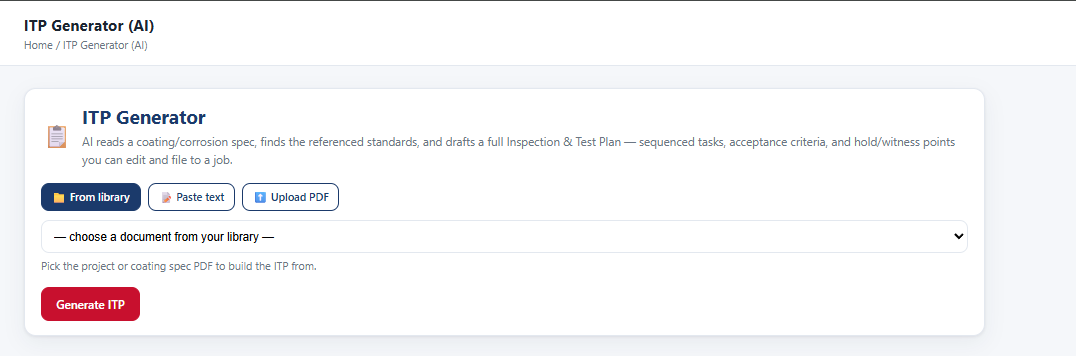
ITP and QIP from the spec
It finds the standards the spec references and drafts the Inspection & Test Plan — sequenced tasks, acceptance criteria, hold and witness points. Edit it and file it to the job. Same for a Quality Inspection Plan.
 ™
Spoken “IronView”
™
Spoken “IronView”
The report gets written on the job, checked against the spec before it goes out, and your customer sees it the same day.
Built and run by an AMPP QP 5 inspection company on our own jobs. Licensed to inspection and coatings contractors under your own name.
Point it at the coating or corrosion spec. It does the reading so the inspector can do the inspecting.
It finds the standards the spec references and drafts the Inspection & Test Plan — sequenced tasks, acceptance criteria, hold and witness points. Edit it and file it to the job. Same for a Quality Inspection Plan.
The instruments the scope actually calls for, listed before anybody leaves the shop — not discovered on site.
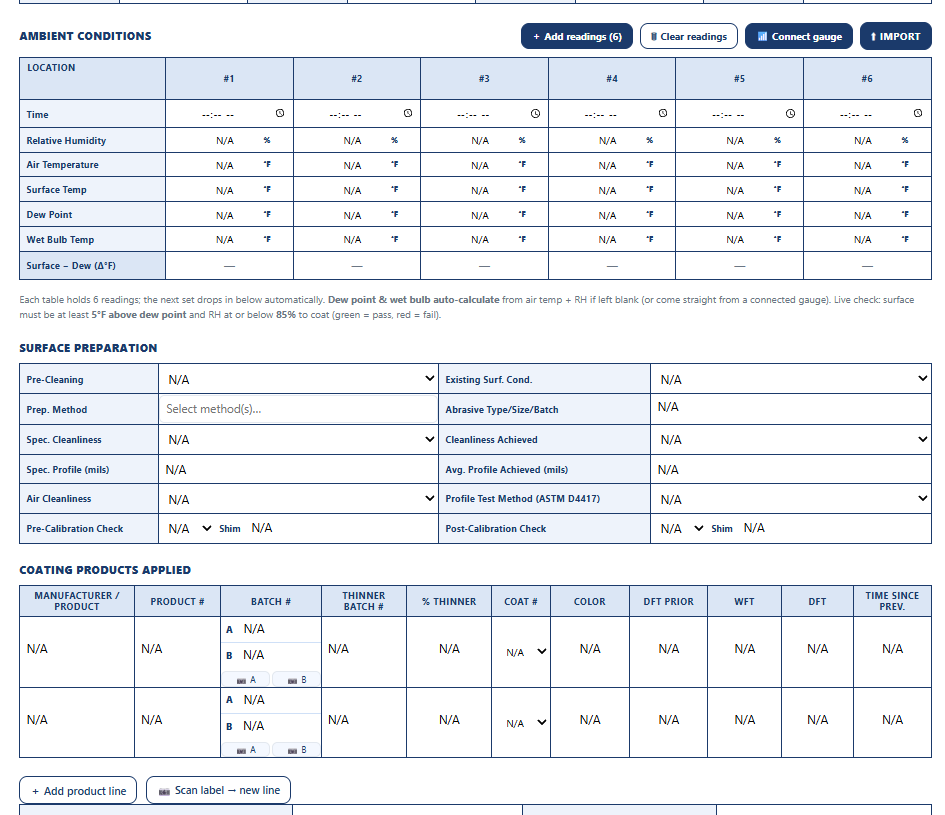
Runs the report against the spec. Missing readings, out-of-range values and gaps get caught while the inspector is still on the job, not in a review queue a week later.

On a phone, tablet or any browser — iPhone, iPad, Android or web.
What the PM, QC lead and the office need, without chasing anybody for paperwork.

Every job's PO budget, what's been invoiced and what's left — all jobs on one screen. Cost and progress reports per job.
Load the standards you own and your SOPs. The AI reads from them when it builds a plan. We can't supply standards — they're copyrighted — but your copies work.
Finished reports file to your company SharePoint under each customer's folder.
A connector pushes the company and contact, logs the job with its PO and value, and attaches the report PDF and photos. HubSpot, Pipedrive, Zoho, JobNimbus and Pipeline CRM are quick builds; Salesforce and Dynamics take longer. We build the one you actually use.
Give them a read-only login. Customer logins are free — you only pay for inspector and admin seats.
Daily reports with photos attached, the day the work is done — not a stack of PDFs at closeout.
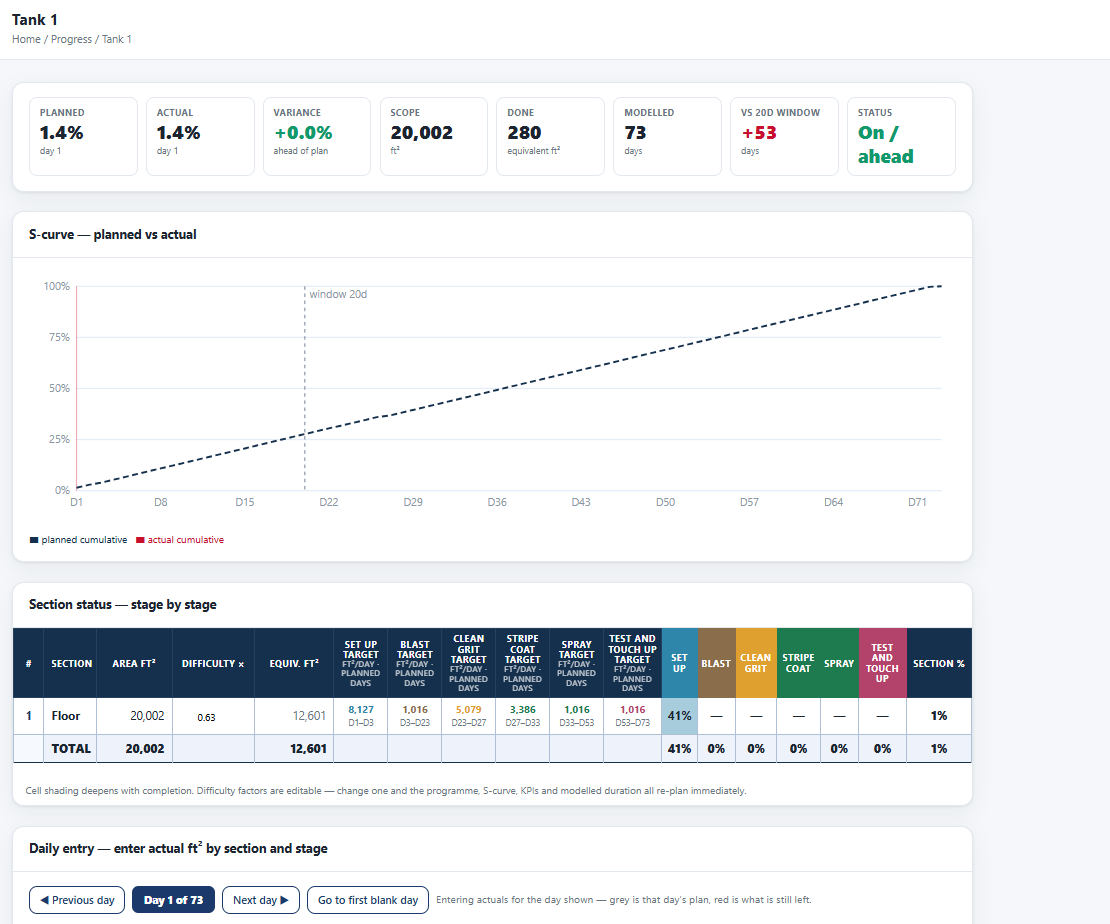
Square footage by section and coating stage against the plan, so day 6 tells them whether day 20 is real.
For their own records, their turnaround package or their client's close-out file.
They can't see another customer's work, and they can't see your rates or crew costs.
Your crew, your office and your customers get their own portal — your brand, not ours.
Your company name, colors and logo on every screen and every report PDF. The FeView name stays on the app; everything your customer reads is yours.
Your records belong to your company, walled off from every other company on the system. Ask for a full export any time — every report, photo and file.
No sign-up form and nothing for your IT group to install.
Your company, your branding and your first administrator.
Inspectors, office staff and customer logins. Each gets an email with a link to set a password.
Book a walk-through, tell us what you run now, and we'll tell you straight whether it's a fit.